Quickstart

This page will walk you through the basics of using your μCritAir.
Many passages here will reference the device's buttons by name. Please refer to the hardware page for the button layout.
Not every feature of the μCritAir is covered in detail here. The rest of the documentation may come in handy if you want to know more about a particular feature.
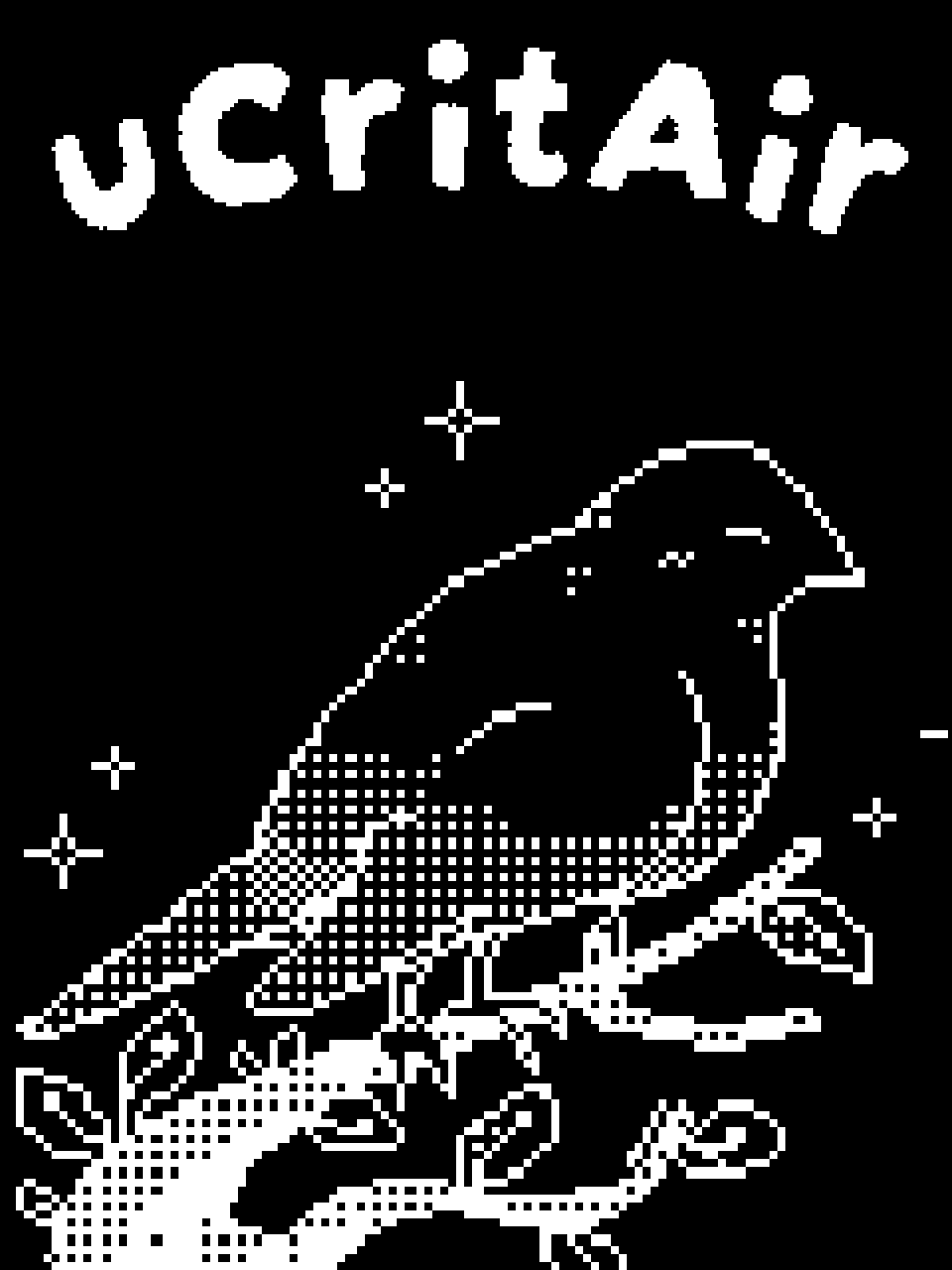
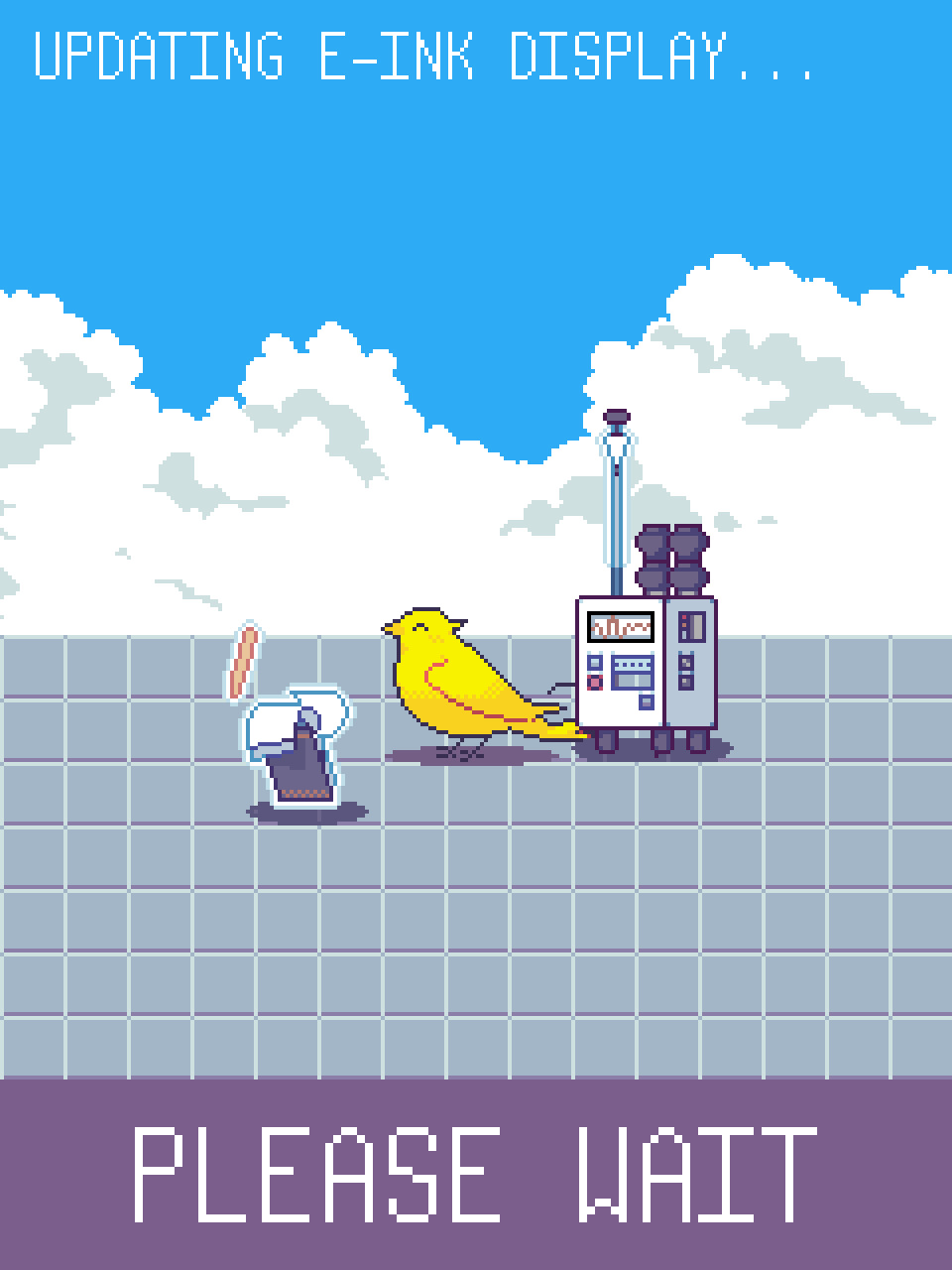
Press any button to wake the device from sleep. If the device is in protected-off mode, insert a paperclip into the reset hole until the reset button is depressed to wake the device. It will take a few seconds for the device to wake, especially from protected-off. Upon waking, the device will refresh its e-paper display. This too will take a few seconds.
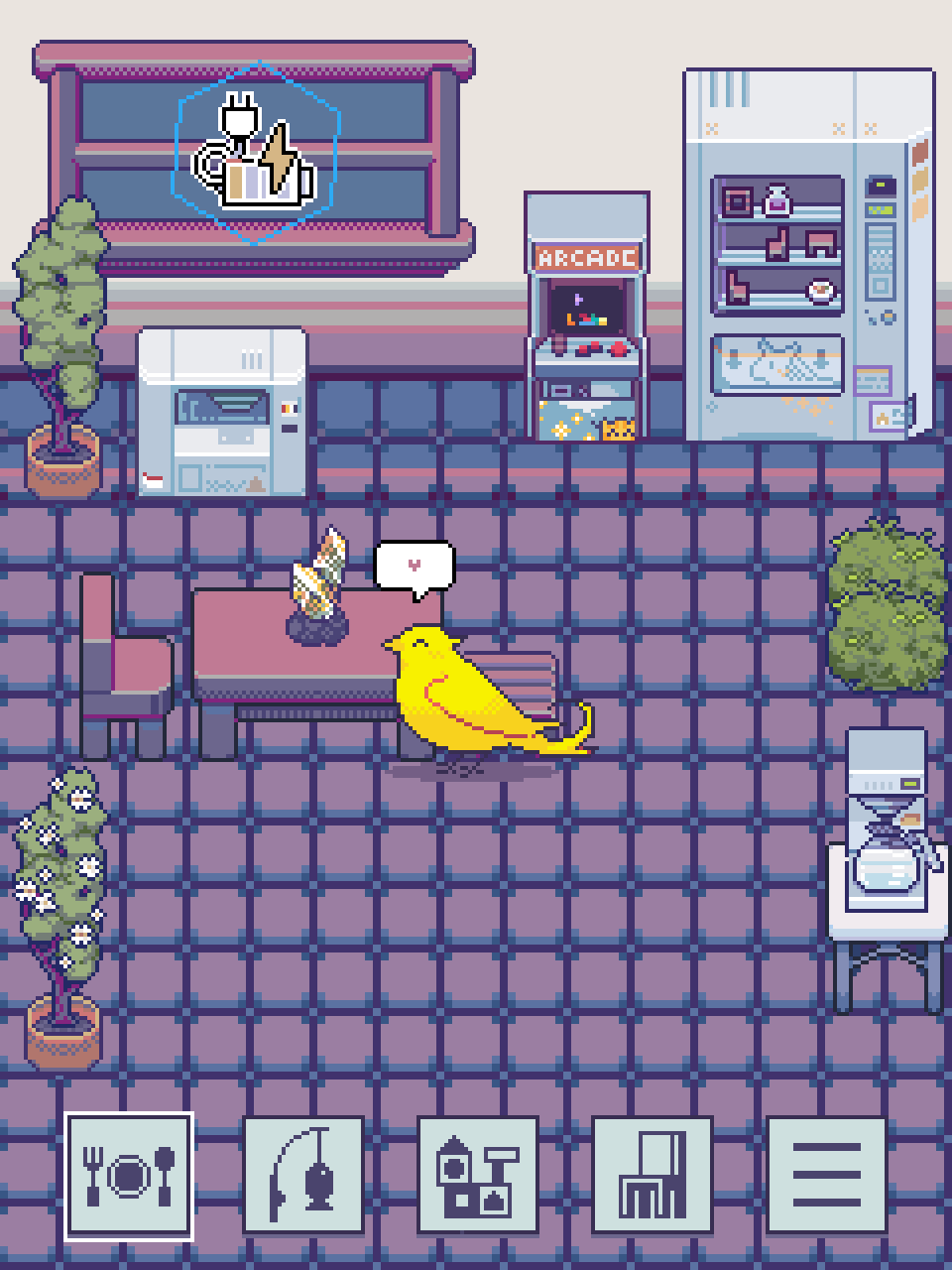
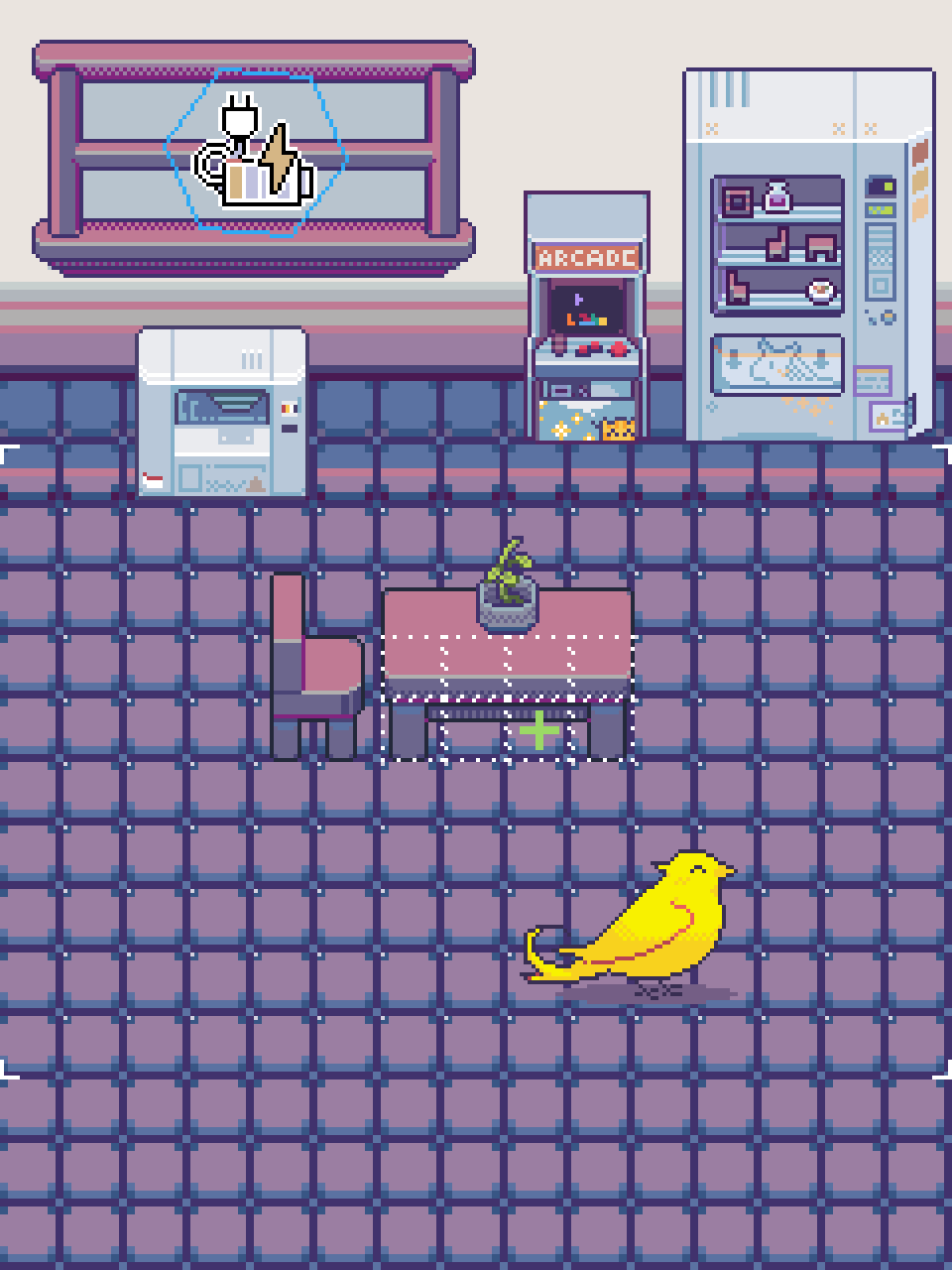
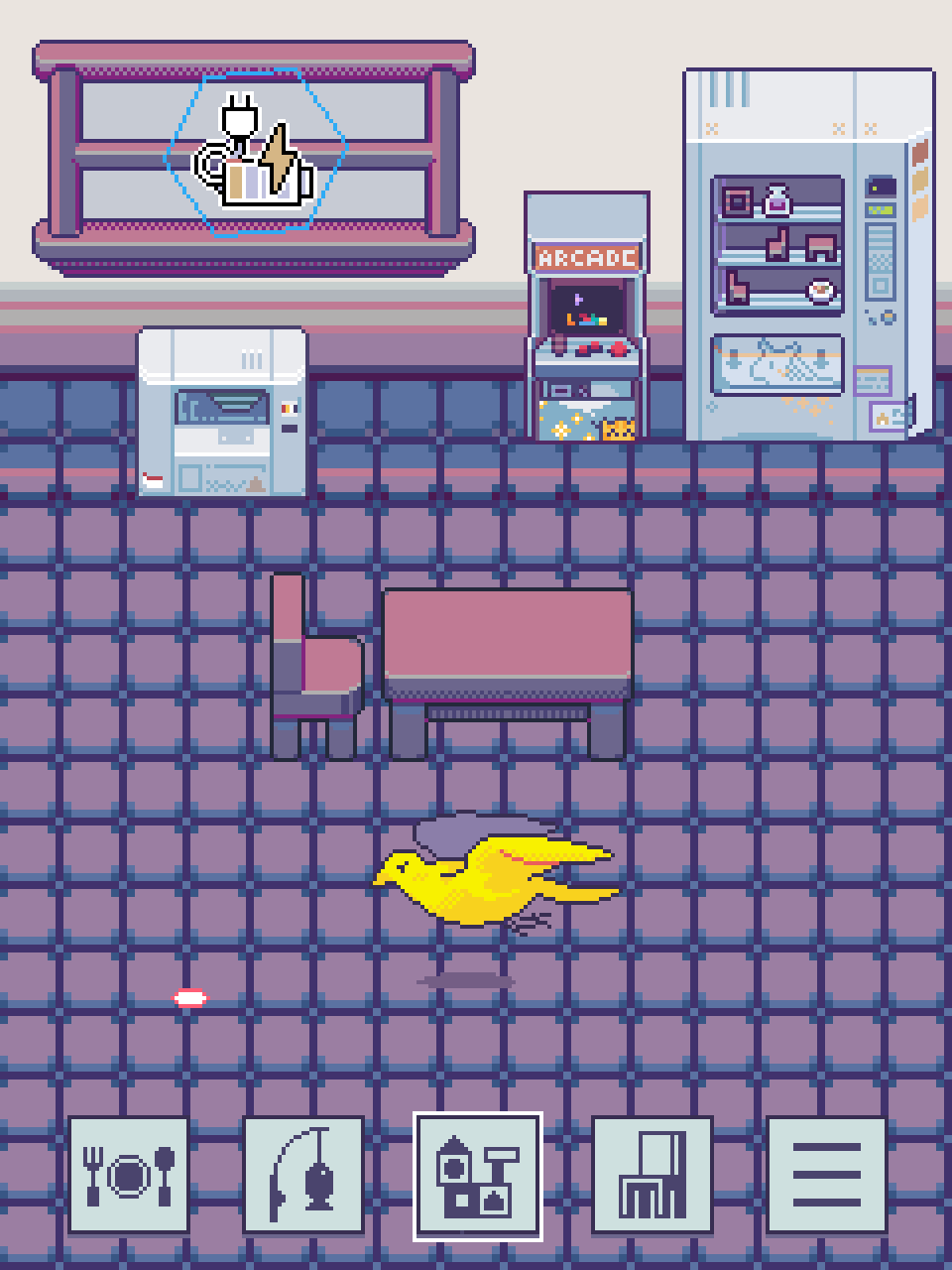
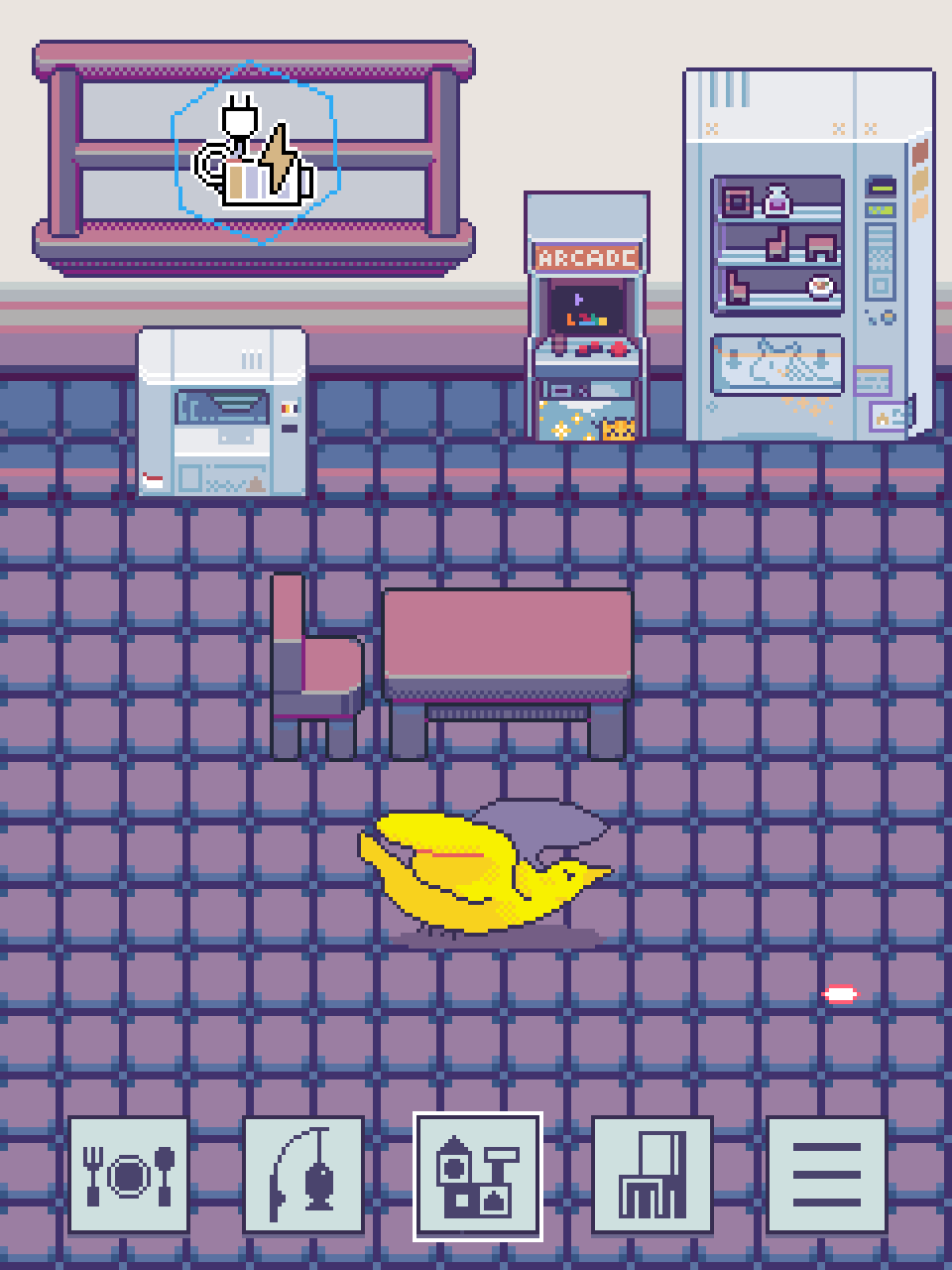
Upon waking the μCritAir you will find yourself in the apartment screen. The apartment screen is roughly divided into three sections:
The top section contains the window, the arcade, and the vending machine. The μCritAir's display has touch capability, and all three of these props can be used via a touch. Tapping the window opens the dashboard, Tapping the arcade lists available arcade games, and tapping the vending machine opens the shop where you can buy and sell items.
The middle section contains the bulk of the apartment's floor space. Your critter spends most of its time here -- try petting it from the touch screen while it walks about. So that you and your critter feel at home, this space can be decorated to your heart's content.
The bottom section contains the screen buttons which are used to access various features.
The five screen buttons, from left to right:
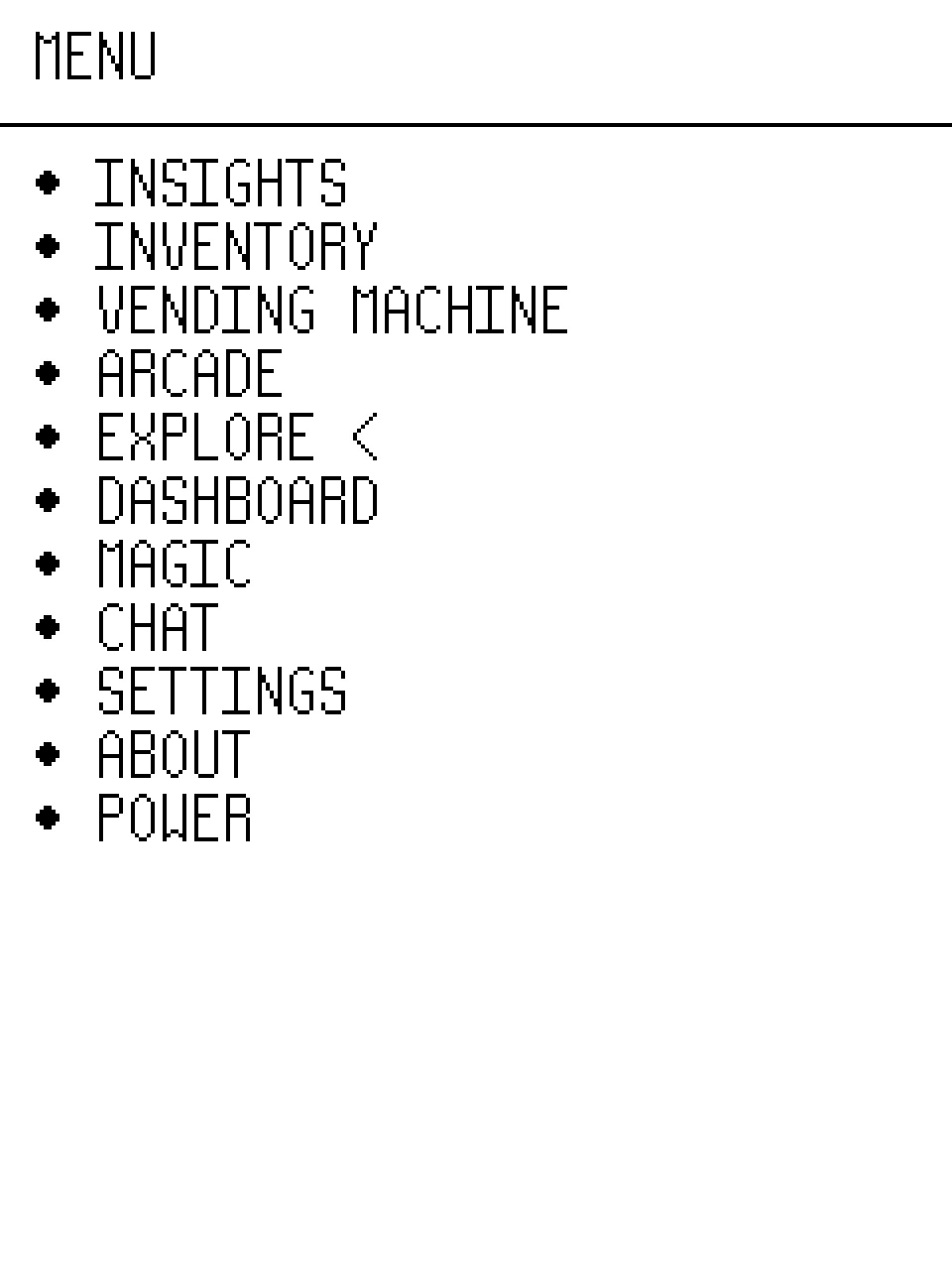
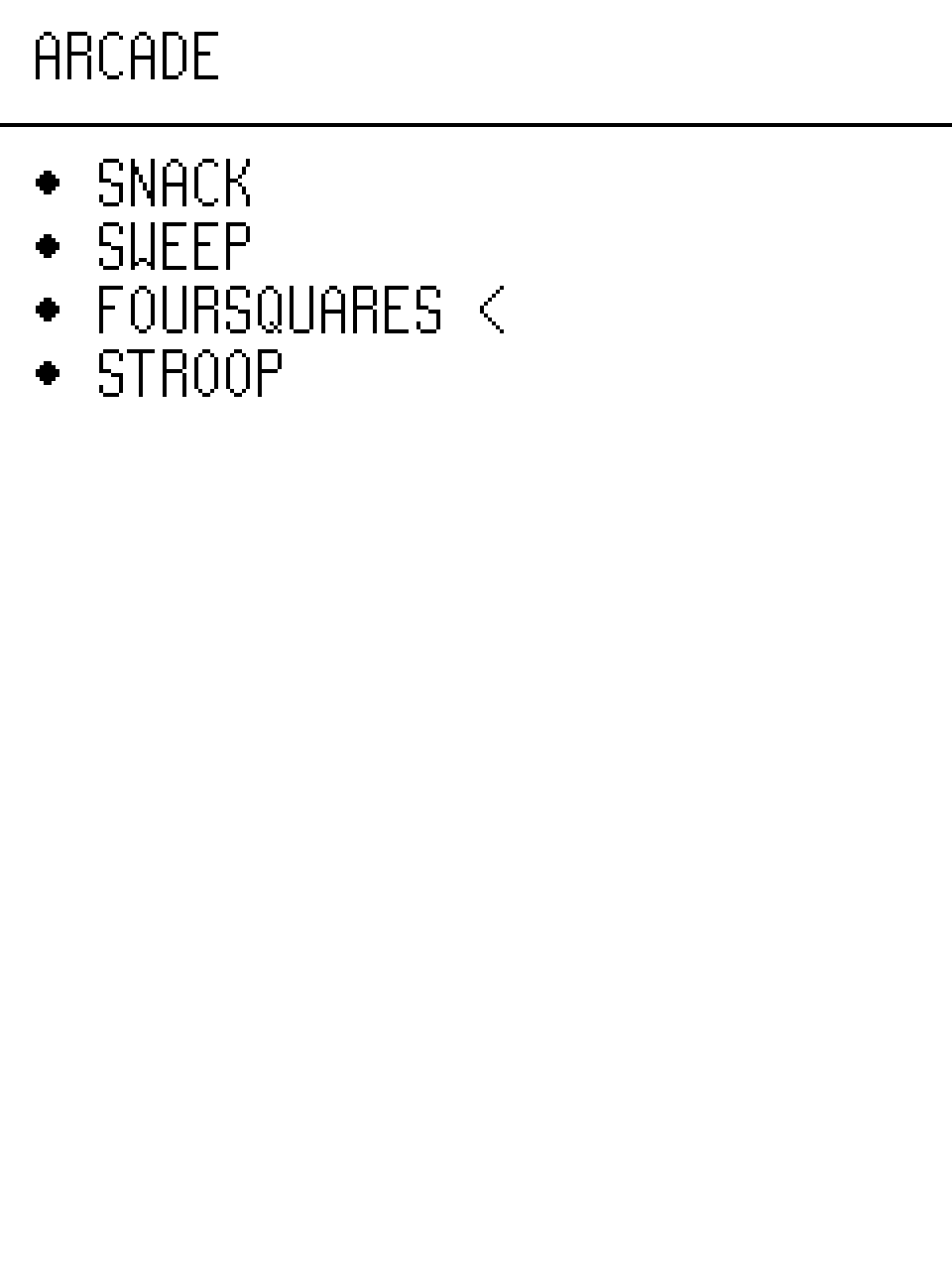
Navigate menu items using the D-pad. Press A to engage with the hovered menu item, or press B retreat to the previous menu screen. All features are directly or indirectly accessible through the menu. Customization options are also exposed through the menu. Below are some menu paths that may be of interest to you:
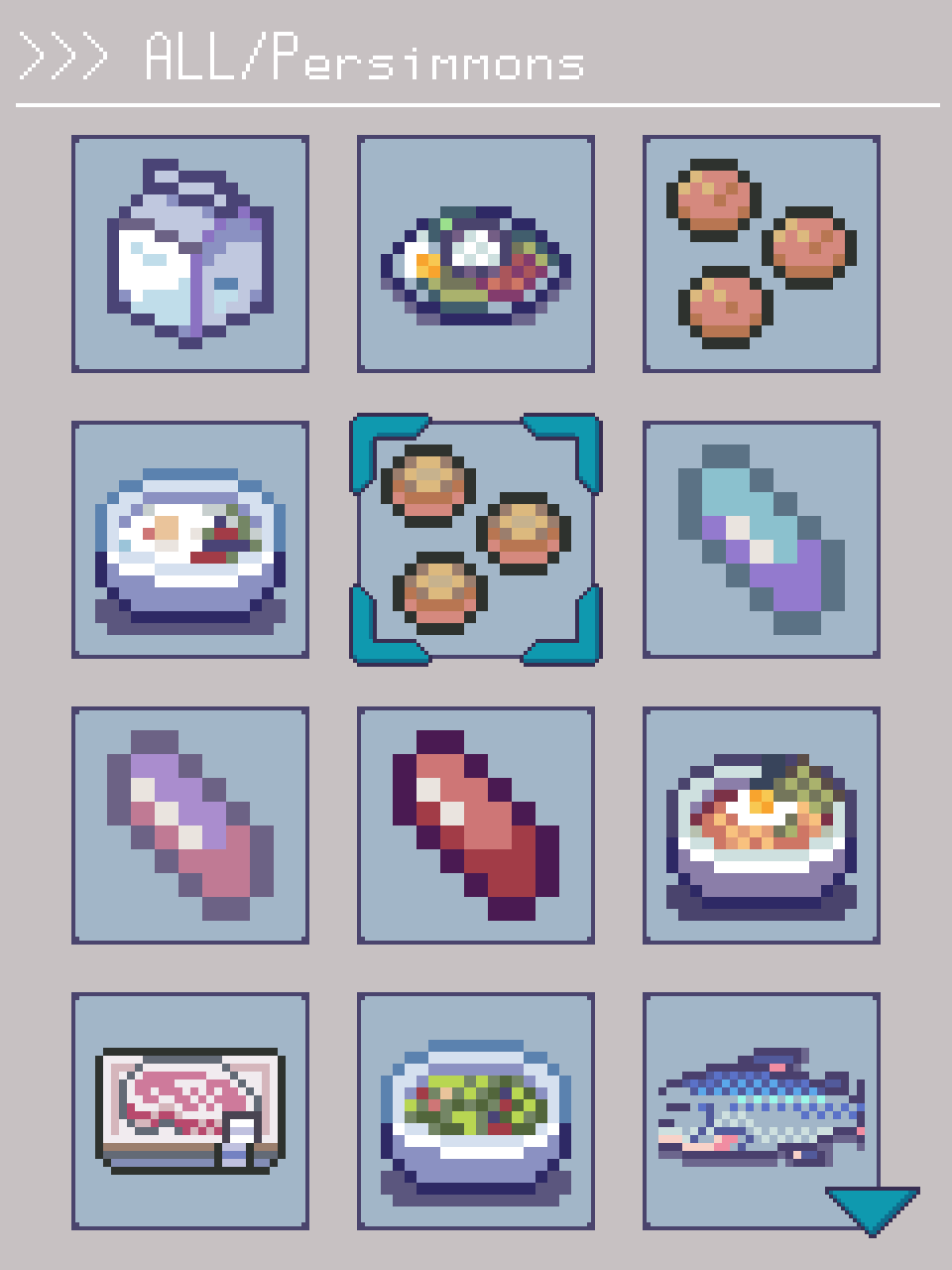
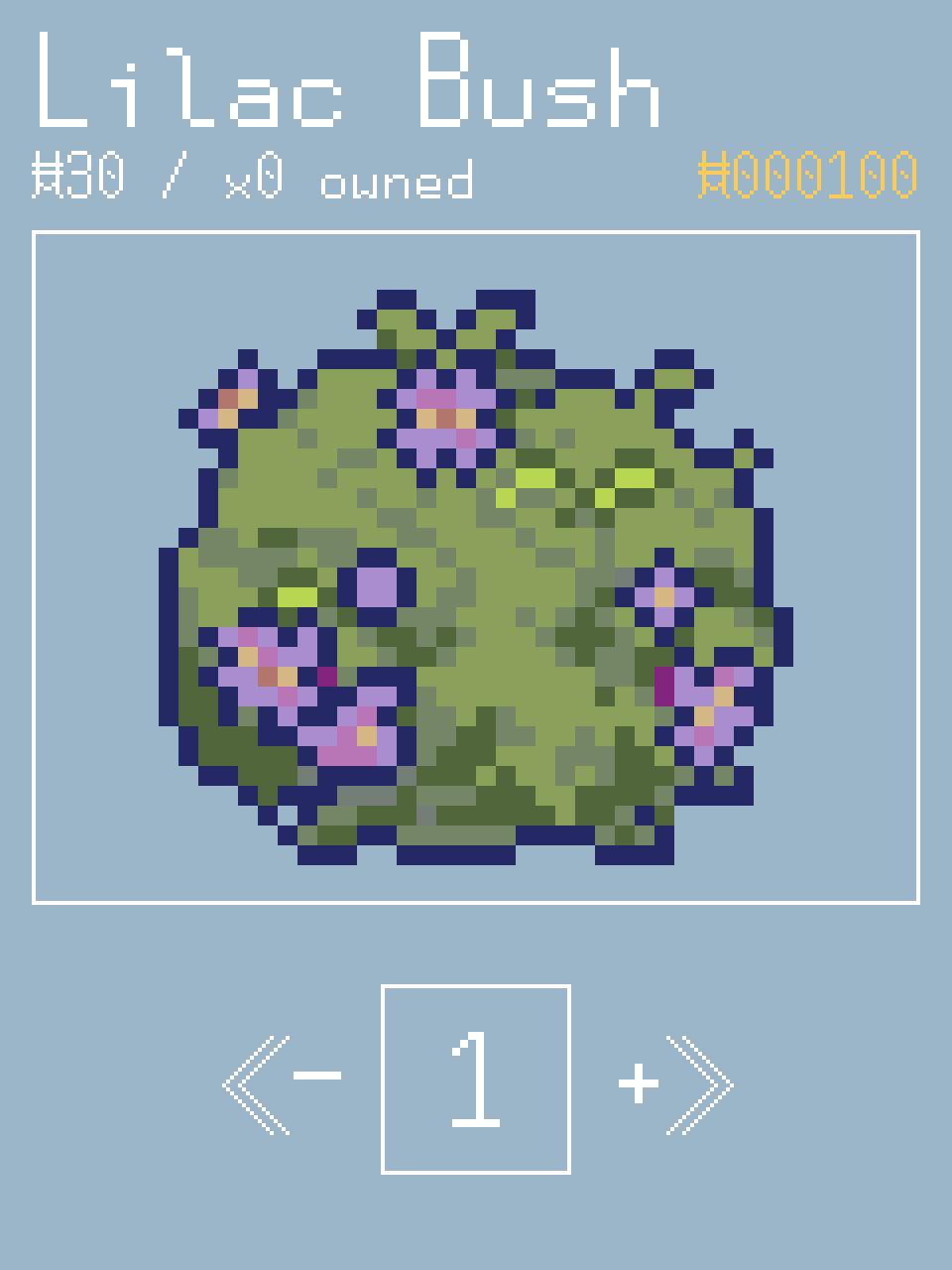
Many features of the μCritAir require the use of items.
Feeding your critter requires food, decorating the apartment requires decorations, crafting requires ingredients, etc.
Many items can be purchased from the shop using coins.
The most reliable way to earn coins is to sell items such as fish.
The variety of saleable items is relatively small, so you can also play arcade games which offer coins as a reward as an alternative to catching fish.
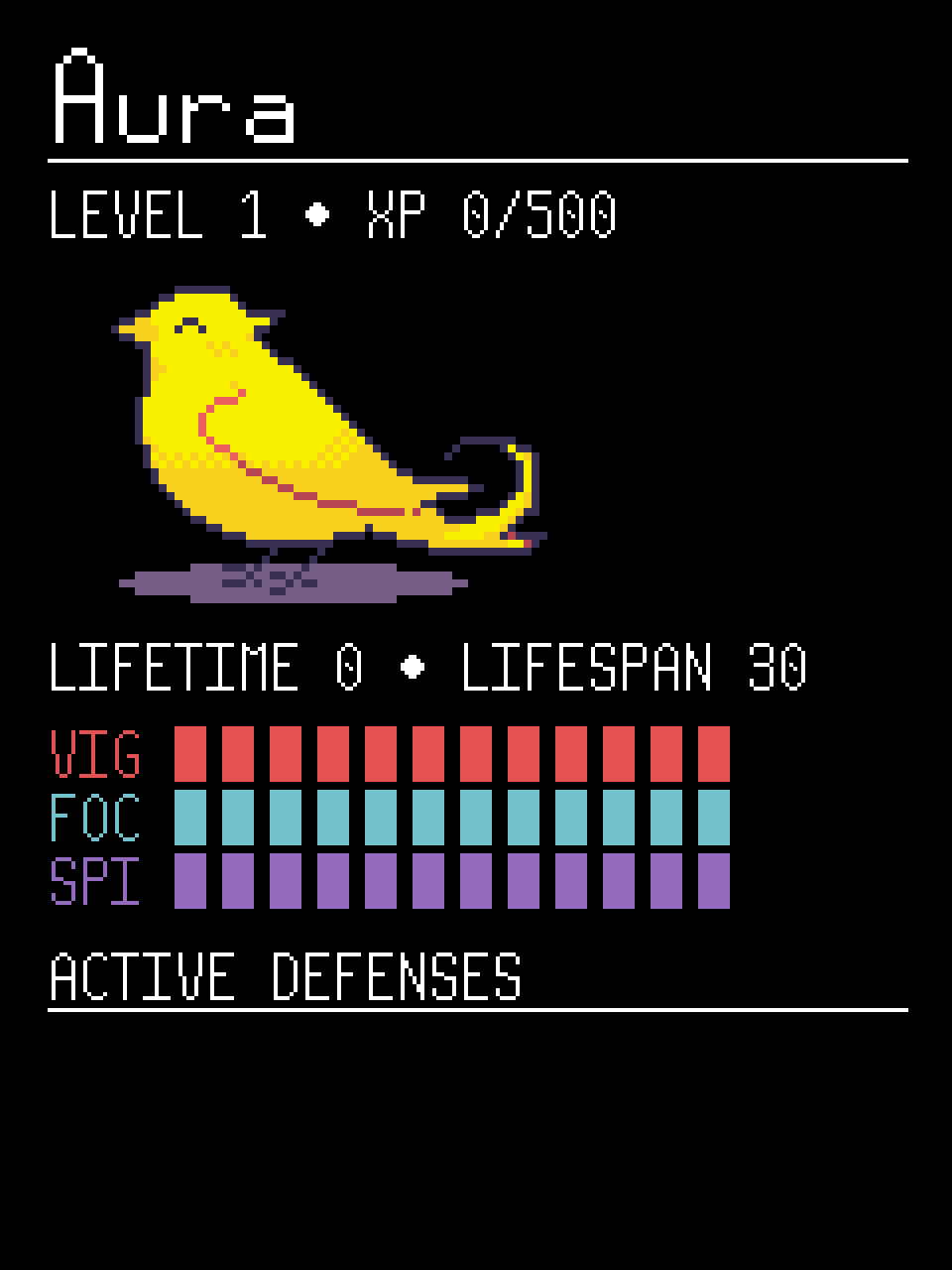
Your critter has a lifespan and 3 core stats: vigour, focus, and spirit.
The best way to keep your critter's lifespan long is to expose yourself to healthy air as much as possible. Bad air hurts your critter more than anything else.
The starting lifespan is always 30 days, but failure to mitigate air quality crises can reduce your critter's lifespan.
Additionally, if you let any of your critter's core 3 stats reach 0, its lifespan will shrink by 1 day for every day that you let its stats remain critically low.
Preventing stat-induced lifespan damage is relatively easy. Feeding your critter raises its vigour, taking your critter fishing raises its focus, and playing with your critter raises its spirit.
If you are exposed to critically bad air quality repeatedly for too long, some amount of crisis-induced lifespan damage is inevitable.
However, items likes masks, air filters, and UV lamps can be purchased and used to automatically mitigate some crises.
If any aspect of critter care becomes unmanageable, you can always try pausing it the from the screen found under MENU / SETTINGS / GAMEPLAY.
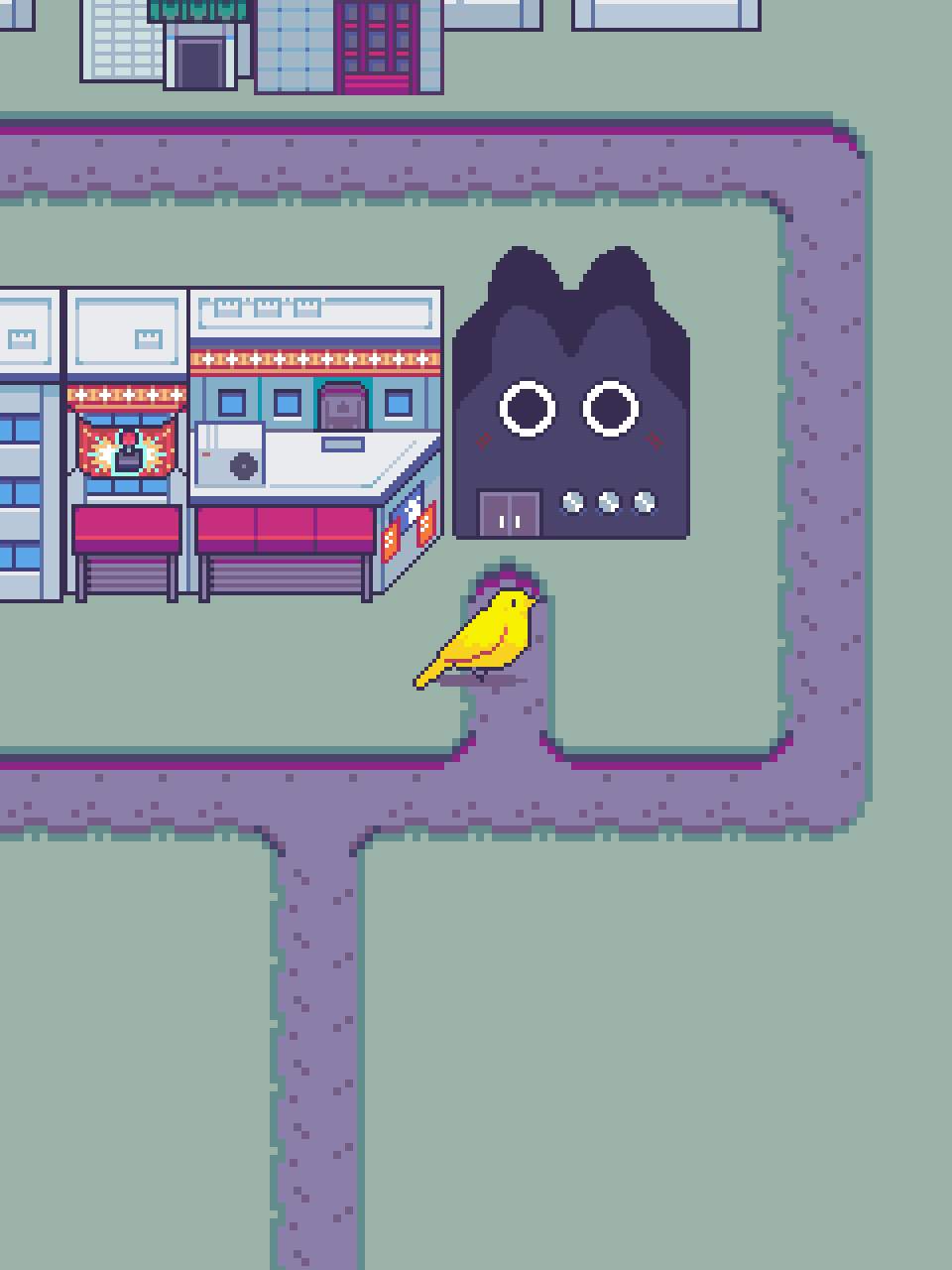
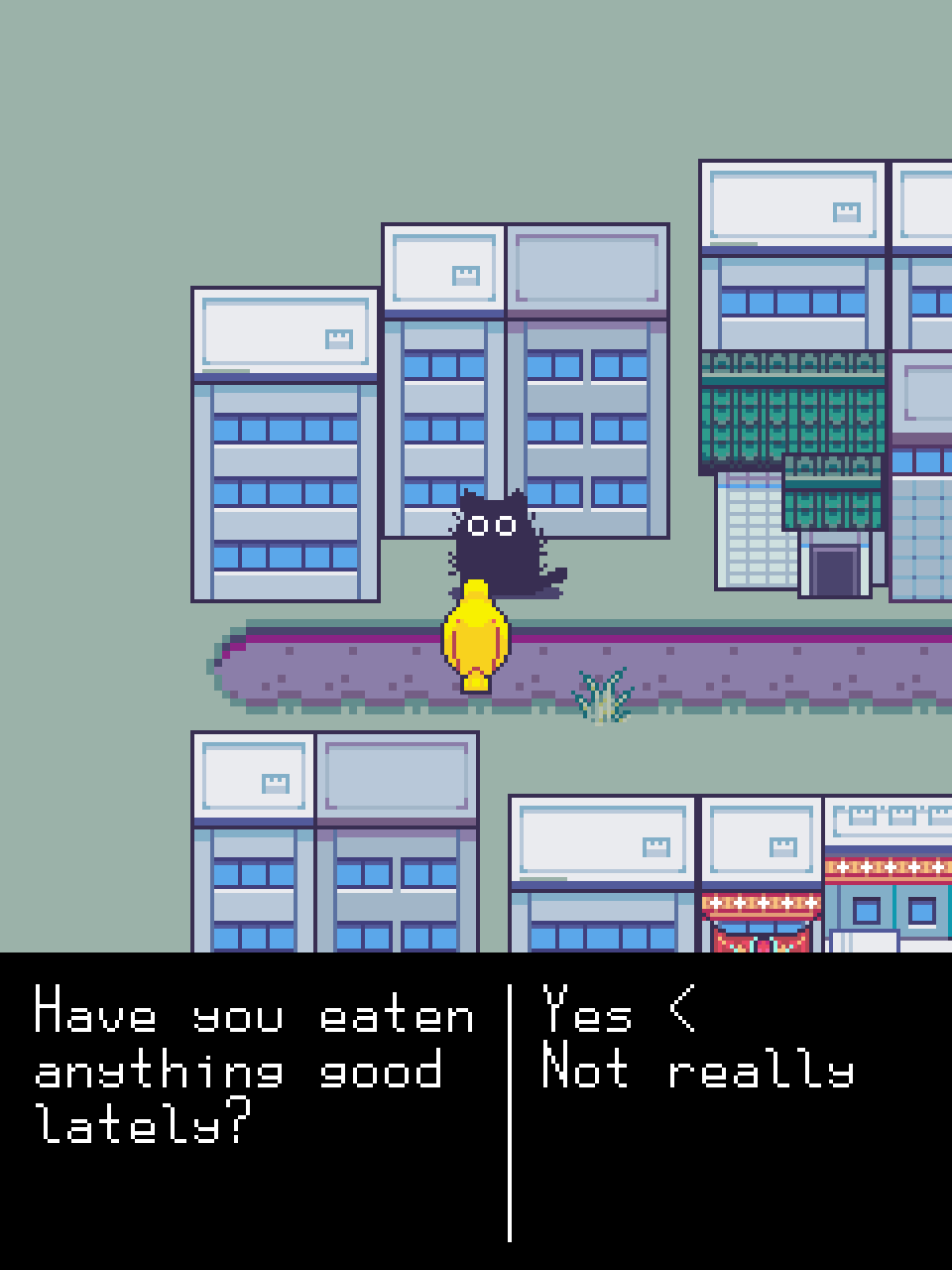
Navigating to MENU / EXPLORE will transport you to the overworld. In the overworld, use the D-pad to move, A to interact, and B to sprint. There are some NPCs to talk to, locations to interact with, and resources to collect. However, the overworld is still heavily under construction, so there is not very much to do there yet! To return to the apartment from the overworld, navigate to MENU / GO HOME.